I learned lots, left with many ideas I can't wait to share, but my favorite breakout session was "I'm Techy And I Know It" hosted by the amazing Greene County team.
Here is why I loved this break out:
1) I actually have more tech knowledge than I thought or give myself credit for. For example, I was one of few people in the room who blogged (yay! and thanks for reading) and also one of the few people with a LiveBinder.

2) I went home and immediately used the info given. I updated my Pinterest site to match my website and brand. Visit it here: http://pinterest.com/sassyscounselor/ and visit Nashville Pittie's page here: http://pinterest.com/nashvillepittie

3) It was practical, informative, and inspiring. While I don't have an iPad (yet) I left with many many ideas that I can do.
For example, do you know about Prezi's? I love it! It's like PowerPoint on crack (sorry but there is simply no other way to describe it's awesomeness.) I have created a few since Tuesday just for practice. I also love that you can download them as a PDF and search and share for other Prezi's (you know I love to beg, borrow, and steal!)
Do you have a Prezi to share? Share Share!! Here are mine thus far:
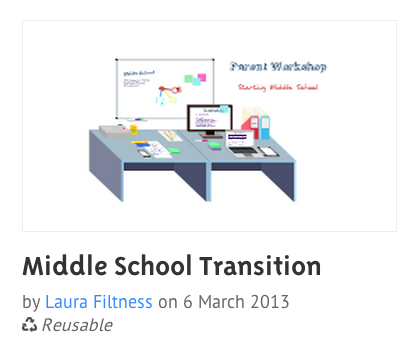
Middle School Transition (for a parent workshop I am hosting) http://prezi.com/qck4nj9zjoxo/middle-school-transition/
*note I am still building this one!
 Pittie Please: http://prezi.com/wsu00ohk00en/pittie-please/
The Prezi that started it all: http://prezi.com/nuu24blefvua/im-techy-and-i-know-it/

Keep checking back as I update with more ideas I learned and implemented!


